dtElection vs Calendly: Group Polling vs Personal Booking in 2026
dtElection and Calendly are both scheduling tools, but they solve different problems. This guide explains when to use each — and why you might need both.
The Fundamental Difference
Before comparing features, it's important to understand that these tools serve different purposes:
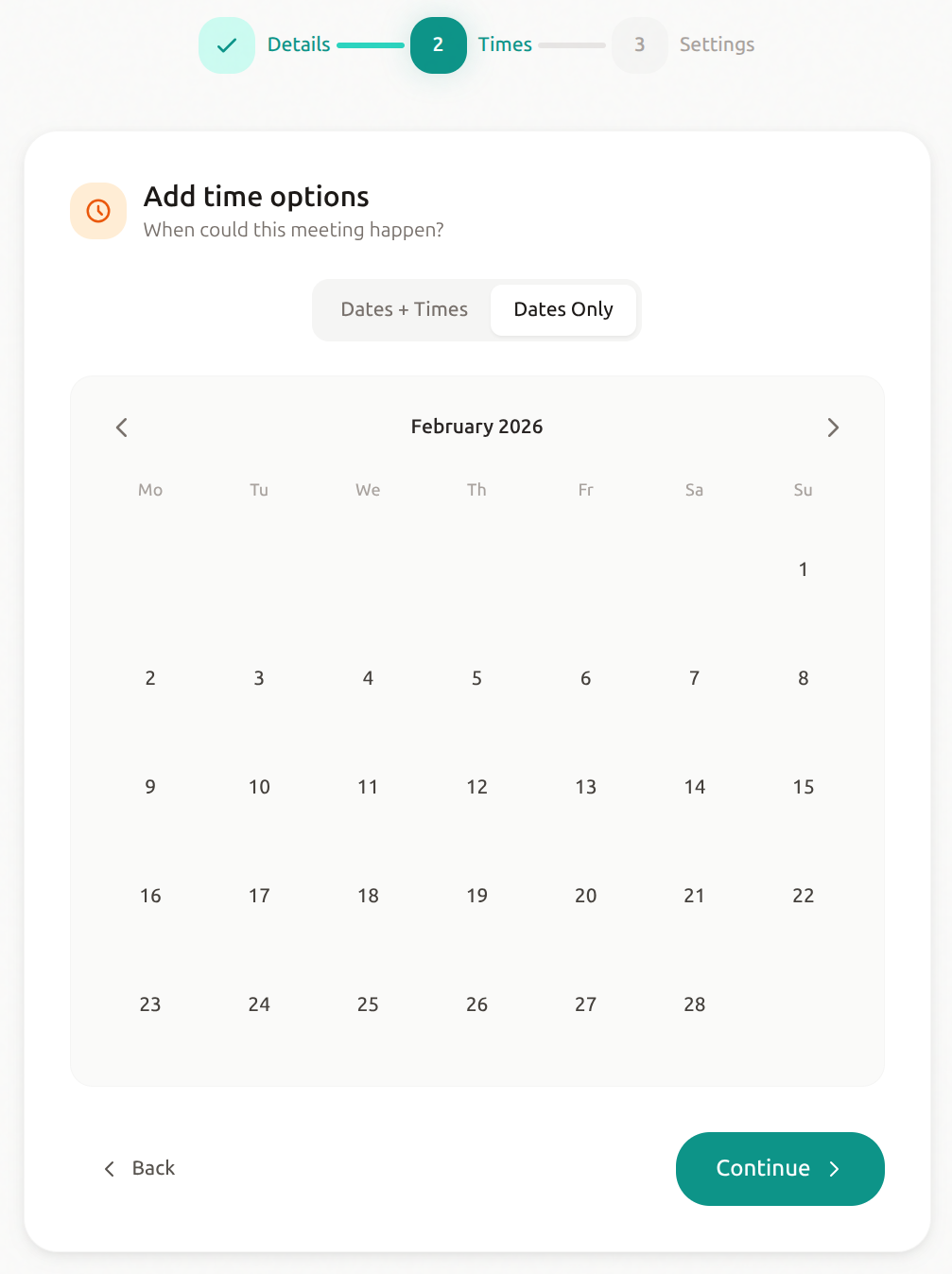
dtElection = Group polling ("When can everyone meet?")
- Multiple people indicate availability
- Find times that work for the group
- Democratic — everyone votes
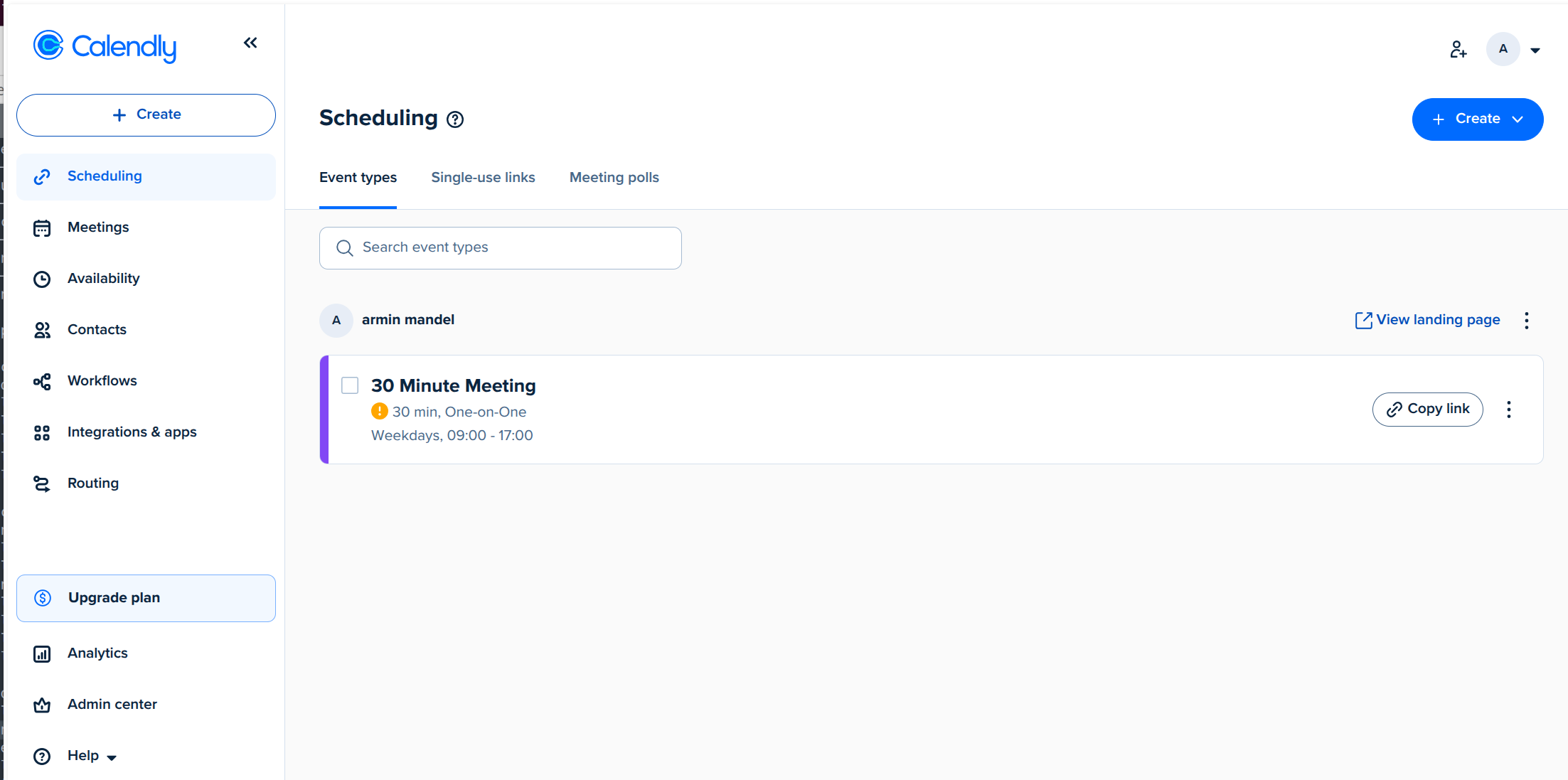
Calendly = Personal booking ("Book time on my calendar")
- One person shares their availability
- Others book from available slots
- One-directional — you control your calendar
Quick Comparison
| Feature | dtElection | Calendly |
|---|---|---|
| Primary Use | Group scheduling | 1-on-1 booking |
| Direction | Everyone → consensus | Others → your calendar |
| Calendar Sync | Google, Microsoft | Google, Microsoft, Apple |
| Free Tier | Unlimited polls | 1 event type |
| Ads | None | None |
| Location Support | Yes (with maps) | Yes |
| Event Discovery | Yes | No |
| Anonymous Option | Yes | N/A |
When to Use dtElection
dtElection is the right choice when:
1. You're Scheduling with a Group
Need to find a time that works for 5, 10, or 50 people? dtElection lets everyone vote on available times.
Example scenarios:
- Team offsite planning
- Friend group dinner
- Club meeting scheduling
- Wedding date selection
- Family reunion planning
2. You Don't Control All Calendars
When you can't see everyone's calendars, polling is the only way to find mutual availability.
3. Democracy Matters
Sometimes it's important that everyone has equal input. dtElection's anonymous voting lets people share true availability without peer pressure.
4. You Need Location Input
Planning an event where the venue matters? dtElection includes location selection with maps.
5. Privacy Is a Priority
dtElection doesn't track users, show ads, or require accounts for voters.
When to Use Calendly
Calendly is the right choice when:
1. You're Booking 1-on-1 Meetings
One person (you) wants others to book time on your calendar.
Example scenarios:
- Client consultations
- Job interviews
- Sales demos
- Mentor/mentee sessions
- Customer support calls
2. You Control the Calendar
You're sharing YOUR availability — others choose from what you offer.
3. Automation Is Key
Calendly integrates with video conferencing, CRMs, and workflow tools to automate the booking process.
4. You Need Booking Rules
Buffer times, minimum notice, maximum bookings per day — Calendly handles these automatically.
Feature Deep Dive
Calendar Integration
Calendly:
- Deep, bidirectional sync
- Automatically blocks time when booked
- Shows only available slots
- Prevents double-booking
- Connects to Google, Outlook, Apple, and more
dtElection:
- Google Calendar integration for viewing availability
- Microsoft Calendar integration
- Helps inform your votes, but doesn't auto-block time
- Focused on finding consensus, not managing your calendar
Meeting Types
Calendly:
- Multiple event types (15 min call, 30 min demo, 60 min consultation)
- Different durations and settings per type
- Custom questions per type
- Unique booking links per type
dtElection:
- One poll = one decision
- Flexible time slots (any duration)
- Can be single selection (pick one) or multiple (mark all available)
Workflow Automation
Calendly:
- Automatic confirmations
- Reminder emails
- Rescheduling/cancellation links
- Zapier/workflow integrations
- CRM connections (Salesforce, HubSpot)
dtElection:
- Email notifications when people vote
- Final results notification
- Convert poll result to calendar event
- API for custom integrations (Pro tier)
Pricing Comparison
dtElection Pricing
| Tier | Price | Key Features |
|---|---|---|
| Free | $0 | Unlimited polls, anonymous voting, 1-year retention |
| Pro | $5.99/mo | API access, image attachments, 14-day trial, 1-year retention |
Calendly Pricing
| Tier | Price | Key Features |
|---|---|---|
| Free | $0 | 1 event type, basic integrations |
| Standard | $12/mo | Unlimited event types, calendar sync |
| Teams | $20/user/mo | Team scheduling, round-robin |
| Enterprise | Custom | SSO, admin controls, API |
The Best of Both Worlds
Many teams use both tools for different scenarios:
- Use dtElection to find when the whole team can meet
- Use Calendly to let external clients book time with individuals
Example workflow:
- Product team uses dtElection to schedule their weekly sync
- Each PM has a Calendly link for stakeholder meetings
- Sales team uses Calendly for demo bookings
- Company uses dtElection for all-hands scheduling
Migration Considerations
Moving from Calendly to dtElection
If you're trying to replace Calendly with dtElection, consider:
- dtElection is for group polling, not personal booking
- If you need others to book on YOUR calendar, keep Calendly
- If you want group scheduling, dtElection is a great addition
Moving from Doodle to dtElection
This is a direct replacement:
- Both are group polling tools
- dtElection has better privacy and no ads
- Similar workflow, modern interface
The Verdict
Choose dtElection when:
- Finding times that work for multiple people
- Privacy and ad-free experience matter
- You want anonymous voting options
- Location selection is important
Choose Calendly when:
- Others need to book time with you
- You want automated calendar blocking
- Integration with CRM/workflows is essential
- You need booking rules (buffer, notice, limits)
Use both when:
- Your team does both group scheduling and individual bookings
- Different departments have different needs
Final Thoughts
dtElection and Calendly aren't really competitors — they're complementary tools for different scheduling challenges. The best choice depends on your specific use case:
- "When can we all meet?" → dtElection
- "Book a slot with me" → Calendly
Many organizations benefit from having both in their toolkit.
Ready to try dtElection?
Create your first poll in under a minute - no credit card required.
Create a Poll