Anonymous Voting in Scheduling Polls: When and Why to Use It
Should your meeting poll show who voted for what? The answer isn't always obvious. This guide explains when anonymous voting helps, when transparency is better, and how to set it up.
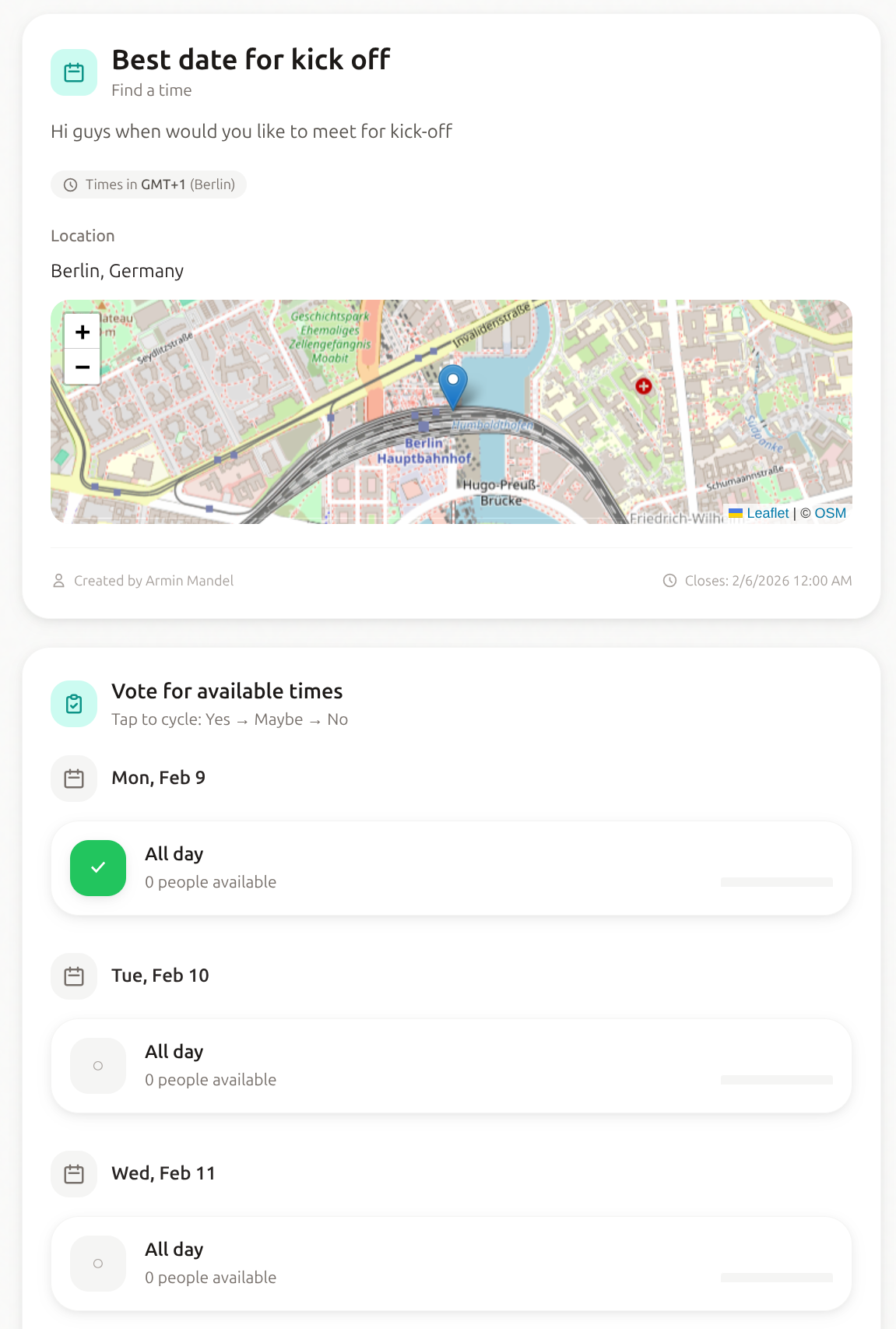
What Is Anonymous Voting?
In a standard poll, all participants can see:
- Who voted
- What each person voted for
- The aggregated results
With anonymous voting enabled:
- Participants see only aggregated results
- Individual votes are hidden from other participants
- Only the poll creator can see who voted for what
Why Anonymous Voting Matters
1. Removes Social Pressure
When votes are visible, people may:
- Change their vote to match the boss
- Avoid voting for inconvenient times to seem "flexible"
- Go along with the majority instead of expressing true preference
- Feel awkward being the only "no" on a time slot
Example: The CEO suggests Tuesday at 3 PM. In a visible poll, everyone might vote "yes" even if it's terrible for them. In an anonymous poll, you'll see the true availability.
2. Protects Personal Information
Voting patterns can reveal:
- Work hours and schedule
- Childcare responsibilities
- Second jobs or side projects
- Medical appointments
- Personal commitments
Anonymous voting protects this information from colleagues.
3. Encourages Honest Responses
When people know their responses are private, they're more likely to:
- Vote accurately
- Use the "maybe" option honestly
- Indicate times that genuinely don't work
The result: Better data for finding the optimal meeting time.
When to Use Anonymous Voting
Use Anonymous Voting When:
Power dynamics exist
- Boss is participating in the poll
- Seniority differences might influence votes
- People might feel pressure to accommodate specific people
Personal schedules are involved
- The poll asks about availability outside work hours
- Evening or weekend times are options
- People might have sensitive reasons for unavailability
The poll is sensitive
- Scheduling around layoffs or reorganization
- Union or employee advocacy meetings
- Feedback or retrospective scheduling
You want honest data
- Previous polls had suspiciously unanimous results
- You suspect people aren't voting truthfully
- The "right" answer shouldn't influence individual responses
Don't Use Anonymous Voting When:
Coordination requires knowing who's available
- "If Alice can make it Tuesday, I'll move my dentist appointment"
- People need to negotiate and trade availability
- Real-time coordination is happening
Accountability matters
- You need to follow up with specific people
- Non-responders need reminders
- The meeting requires specific attendees
The group is small and comfortable
- Close friends planning a dinner
- Small team with high trust
- Informal social events
Transparency builds trust
- New team building relationships
- External stakeholders who need to see participation
- Situations where visible voting increases commitment
How to Enable Anonymous Voting in dtElection
Setting up anonymous voting takes just one click:
When Creating a Poll
- Fill in poll title and time slots
- In the Settings step, toggle "Anonymous Voting"
- Create your poll
What Participants See
With anonymous voting enabled:
- Participants can vote normally — no account required
- After voting, they see aggregated results (e.g., "4 yes, 2 no, 1 maybe")
- They cannot see individual votes
- The poll shows a badge indicating it's anonymous
What Creators See
As the poll creator:
- You can see all individual votes
- You see both aggregated and detailed results
- You can still contact specific voters if needed
Anonymous Voting: Feature Comparison
| Tool | Anonymous Voting | Available On |
|---|---|---|
| dtElection | Yes | Free tier |
| Doodle | Yes | Premium only ($6.95+/mo) |
| When2meet | No | N/A |
| Calendly | N/A | N/A (different tool type) |
| Rallly | No | N/A |
| Google Forms | No | N/A |
dtElection is one of the few tools offering anonymous voting on the free tier.
Best Practices for Anonymous Polls
Be Transparent About Anonymity
Tell participants:
- That the poll is anonymous
- What "anonymous" means (others can't see votes, creator can)
- Why you chose anonymous voting
Example message to share with participants:
"I've enabled anonymous voting so everyone can share their true availability without pressure. Your individual votes are hidden from other participants but visible to me as the organizer."
Combine with "Maybe"
The "maybe" option is especially valuable in anonymous polls:
- Removes the binary pressure of yes/no
- Lets people express tentative availability
- Provides more nuanced data
Consider Time Zones
In anonymous polls across time zones:
- Include time zone labels in options
- Consider that some "no" votes might be time zone confusion
- Follow up privately if results are unexpected
Set Expectations
Anonymous voting affects follow-up:
- You can't publicly say "Everyone said yes except Bob"
- Group discussions about results need to be general
- Individual follow-up should be private
Combining Anonymous and Visible Voting
Some teams use a hybrid approach:
Phase 1: Anonymous Poll
- Gather initial honest availability
- Identify potential times
Phase 2: Visible Follow-up
- Share the top 2–3 times
- Let people coordinate openly
- Make the final decision
This gets honest initial data while allowing coordination for the final choice.
Common Questions
Can participants see that voting is anonymous?
Yes. dtElection shows a badge indicating the poll uses anonymous voting, so participants know their individual votes are private.
What if I need to know who voted what?
As the poll creator, you always have access to individual votes, even in anonymous polls. Anonymity is between participants, not from the creator.
Does anonymous voting affect response rates?
Research suggests anonymous surveys generally get more honest responses, though response rates can vary. The comfort of anonymity often encourages participation.
Can I change a poll to/from anonymous after creation?
No. Once a poll has votes, the anonymity setting is locked to maintain integrity. Decide before creating the poll.
Is anonymous voting truly anonymous?
Individual votes are hidden from other participants and not displayed in the UI. The poll creator can see individual votes. dtElection doesn't track or correlate voting patterns across polls.
Summary
Anonymous voting is a powerful tool for getting honest availability data. Use it when:
- Power dynamics might influence responses
- Personal schedules shouldn't be visible to colleagues
- You want truly honest availability
- The poll content is sensitive
Skip it when:
- Coordination requires knowing who voted for what
- The group is comfortable being transparent
- Accountability is important
With dtElection, anonymous voting is free and takes one click to enable. Try it on your next team scheduling poll and see the difference honest responses make.
Ready to create an anonymous scheduling poll?
Free, private, and no ads. Create your first poll in under a minute.
Create a Poll